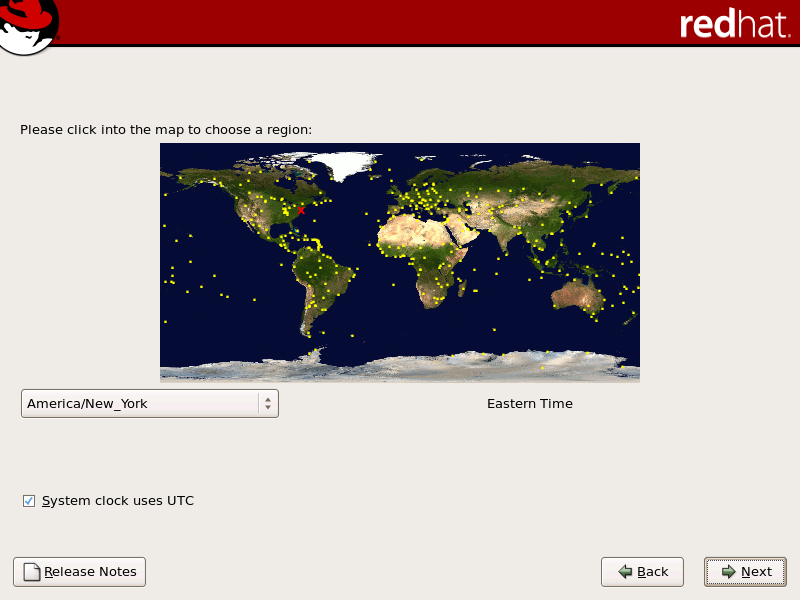
12.21. Time Zone Configuration
Set your time zone by selecting the city closest to your computer's physical location. Click on the map to zoom in to a particular geographical region of the world.
Note
To change your time zone configuration after you have completed the installation, use the
Time and Date Properties Tool
.
Type the system-config-date command in a shell prompt to launch the
Time and Date Properties Tool
. If you are not root, it prompts you for the root password to continue.
To run the
Time and Date Properties Tool
as a text-based application, use the command timeconfig.